How do you write a formal email
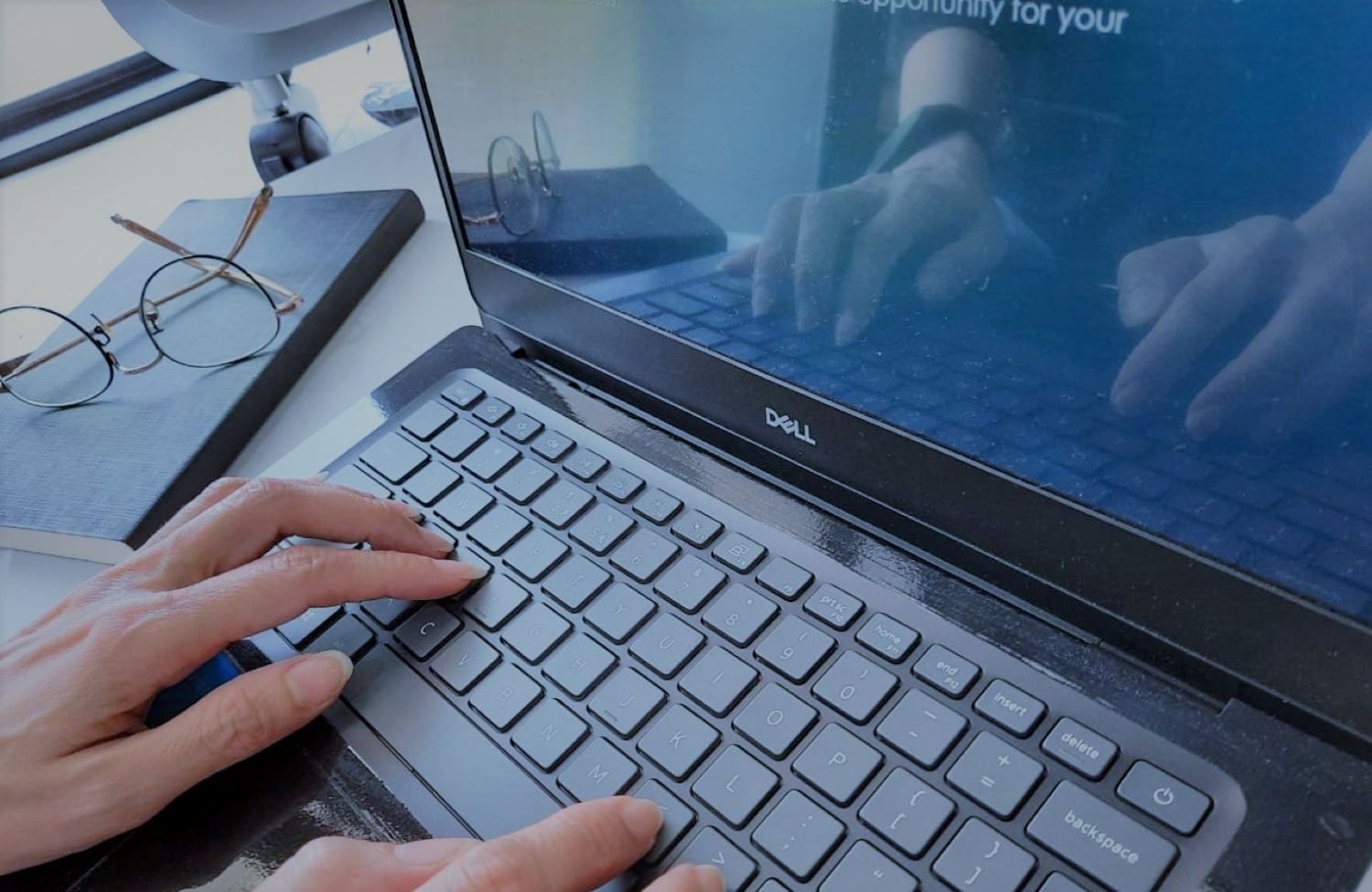
How often do you write an email? In the business world, using email as method of communication is a common practice.
Whether the communication will be conducted amongst work peers in the same location or in another city and country, to the potential clients, to business partner, to friends, an email is considered effective to deliver the message.
Email communication is also used when sending your resume or your CV to the potential business partner or future employer. Of course, it is strongly expected that this type of email will need to look professional and relevant to the subject.
I always say that an email does not carry emotion, which means the email recipient does not know if you are angry, sad, upset, happy, smiling and other feelings when you are writing the email. Therefore, it is important to use the correct and appropriate languages and punctuation in an email to avoid wrong perception to the reader.
Writing a formal email will definitely be different with writing an informal email. Here, I want to highlight several points to take into consideration when writing a formal email.
1. Subject name
Do not leave the subject name to be blank. Be brief and concise on the subject name according to the email purposes. When you send a CV, sometimes, the recruiter asks a certain format to be written under subject. Do pay attention on this because it can influence the recruitment selection process.
2. Email opening
Start with salutation as the opening email as an expression of greeting. In a formal email, you will need to use a personal salutation with either a first and / or a last name, for example, Dear Ms. Evie or Dear Ms. Evie Azhali.
In the situation where you want to send a CV but have no information on the name of the intended person, then you can write with job title position, for example, Dear Hiring Manager to start the email.
3. Body text
An email is not a letter so it is not suggestable to write too many pages. You can start by writing your objectives, then explain your intentions, provide evidences if required, give your contact details if you expect the recipient to contact you, and finally summary.
In the body text, you can also inform the recipient if there are any attachments as part of the email with the explanation of the subject of each attachment.
Do note that the message in an email must be clear and to the point so it is easy and enjoyable to read.
4. Email closing
Do not forget to complete the email with closing line. Several professional lines as email closings are,
- Thank you for your attention
- Thank you for your time and consideration
- Looking forward to hearing from you
- Looking forward to speaking with you soon
- Best regards
- Kind regards
5. Appropriate language
Languages are diverse, and therefore, do use the appropriate language that can be understood by both sides. Not only to be understood but also the language used must be perceived as professional and respectful.
6. Avoid writing sentences all in capital letter
Write an email in a proper way, meaning use capital letter case and small letter case properly to show professionalism. Writing sentences all in capital letter can have several assumptions, such as, urgency, angry, need attention but it will not look pleasant and decent.
If the email is urgent, then you can highlight it in the subject name to alert the recipient as well as set the email as priority mail.
7. Ensure font color, font size and font type
A formal email must look professional which means it is really important to pay attention to the font type, font size and font color. There are many choices of font types to choose in an email, but select the easy reading and common font type such as calibri, arial, times new roman so the message can easily reach the recipient. Sometimes, a certain company will have a dedicated font type and size to use for an email correspondence.
Do ensure to use the proper font size, not too small and not too large as well as to use the normal font color, usually either black or dark grey.
8. Use necessary punctuation
Using punctuation properly can help to construct and organize the sentences so that the message is clear. Some common punctuations to use are such as, periods, commas, question mark, hyphen, colon, semicolon, brackets.
Sometimes, I see an email with exclamation point after the greetings. Is this necessary? It really depends on your intent, such as, do you want to show an emphasis in the greeting?
9. Check spelling before sending
How do you feel when you receive an email with some or many spelling errors? There will be a quick judgement that the sender is not serious and does not have attention to details. The email will also look unprofessional and improperly.
Therefore, you can use the automatic spelling check to help you on this.
10. Check the outbox
The email has been well written and is ready to send. Do ensure that the intended email address is correct so the email will be delivered promptly.
Sometimes, due to internet failure, the email will sit in the outbox which cause the delay in sending. To avoid this to happen, do check the outbox and sent folder before signing out.
To do reading check thoroughly is recommended prior to sending the email. This is to make sure that all the intended messages are covered to achieve the expected objectives.
Have a productive day.
All writing on EVAZ Writing belongs to Evi Azhali. Please read it and share the link. To copy it, republish it, or use part of it, please ask permission first.
Request permissionRead next
Related writing

Hotel industry jargon Part 4
There are many jargons used in the hotel industry that many people might find them quite common but may…
Hosting an online meeting
How often do you arrange an online meeting as compared to directly face to face meeting in the
5 important factors on how customer service can strengthen your hotel performance
How do you feel if you receive a response to your question or request when you are communicating with a…